Preheader goes here.
CUSTOMIZE YOUR
MX KEYS MINI
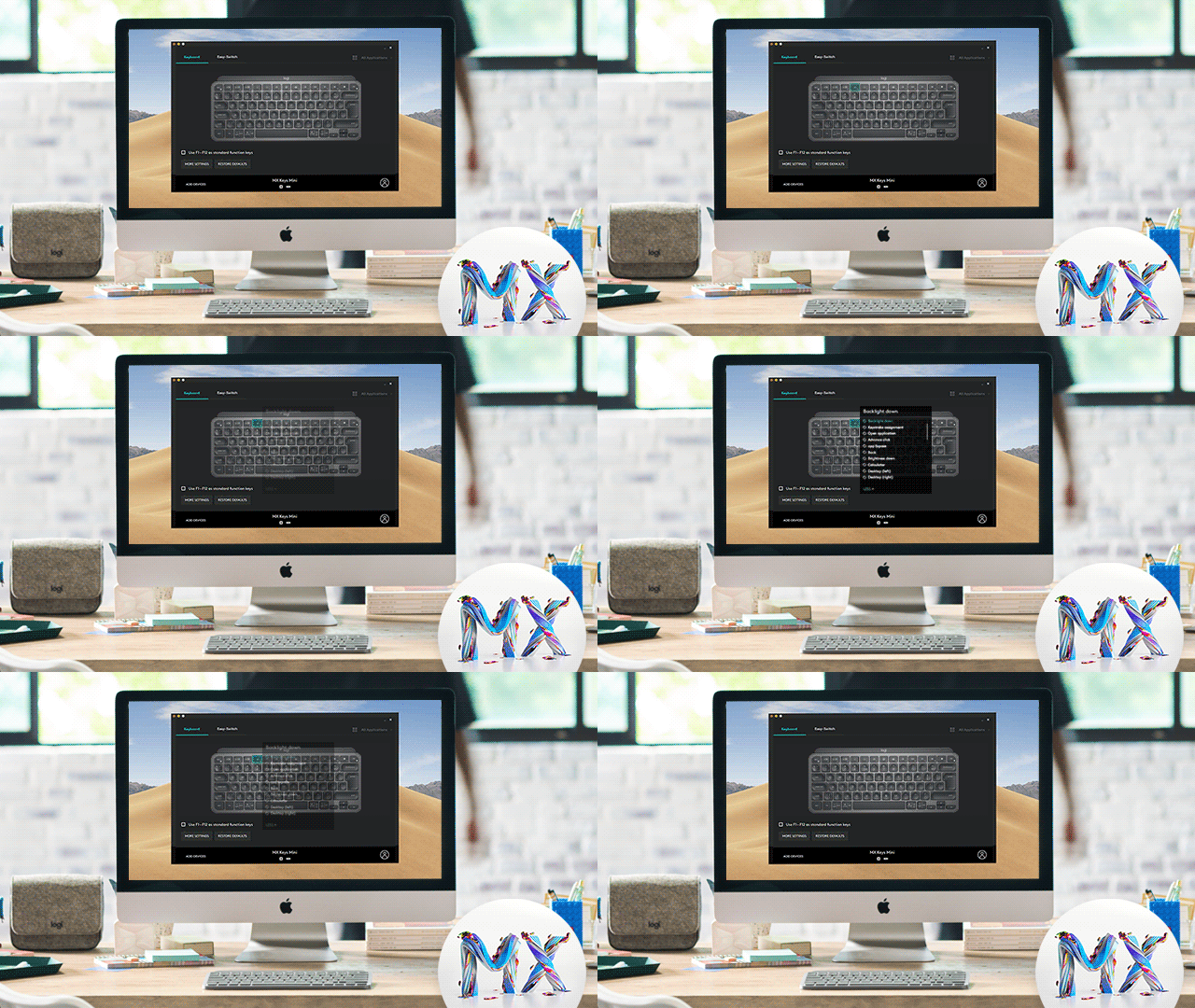
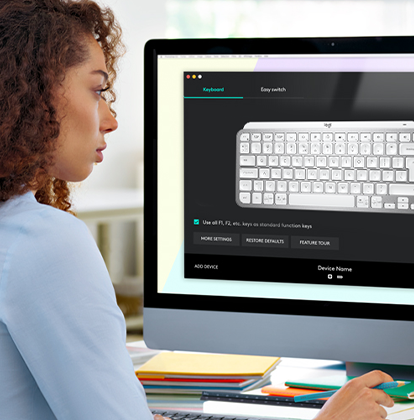
Download Logitech Options and register your MX Keys Mini to get started. Your devices show up as on-screen images, so they're easy to find, switch, and set up in seconds.
WINDOWS   macOS
 
PRO TIP:
SAVE YOUR CUSTOMIZATION
Use multiple computers? Save your customized settings across all of your devices by creating a Logi ID account. GET STARTED
BECOME INSTANTLY PRODUCTIVE
GO BEYOND GLOBAL DEVICE SETTINGS
Fine-tune your device and workflow — assign buttons to app-specific tasks, adjust the scroll wheel & cursor speeds, plus customize your buttons and keys with ease.
LEARN MORE 
MINIMALIST FORM MAXIMUM  COMFORT
Type on keys shaped for your fingertips, with voice to text Dictation, Mic Mute/Unmute, and Emoji keys.
EXPLORE MORE FEATURES 
 
SMART
KEYS
LOGITECH
FLOW
EASY-SWITCH STATUS
FUNCTION KEY CUSTOMIZATION 
APPLICATION SPECIFIC SETTINGS
HAVE QUESTIONS?
WE'VE GOT ANSWERS
SET-UP GUIDE 
FAQs
CONTACT US
 
Facebook Instagram Twitter Pinterest YouTube
PRIVACY + SECURITY
UNSUBSCRIBE
CONTACT
TERMS OF USE