Preheader goes here.
GET TO KNOW YOUR C920S HD WEBCAM
This email is full of tips and tricks to master your C920s HD Webcam.
GETTING STARTED
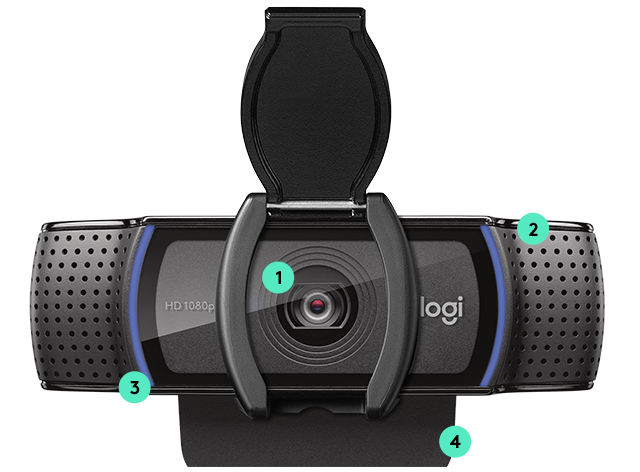
1. HD GLASS lens WITH PRIVACY COVER 
A five-element glass lens captures razor-sharp images, plus a built-in privacy cover
2. DUAL-MIC STEREO AUDIO
Capture more realistic sound from a broader range of angles
3. OPTIMAL LIGHTING
Equipped with automatic HD light correction, produces bright, contrasted images, even in a dim setting
4. Universal mounting clip
Tripod-ready universal mounting clip fits laptops, LCD or monitors
LIGHTS, CAMERA, CAPTURE
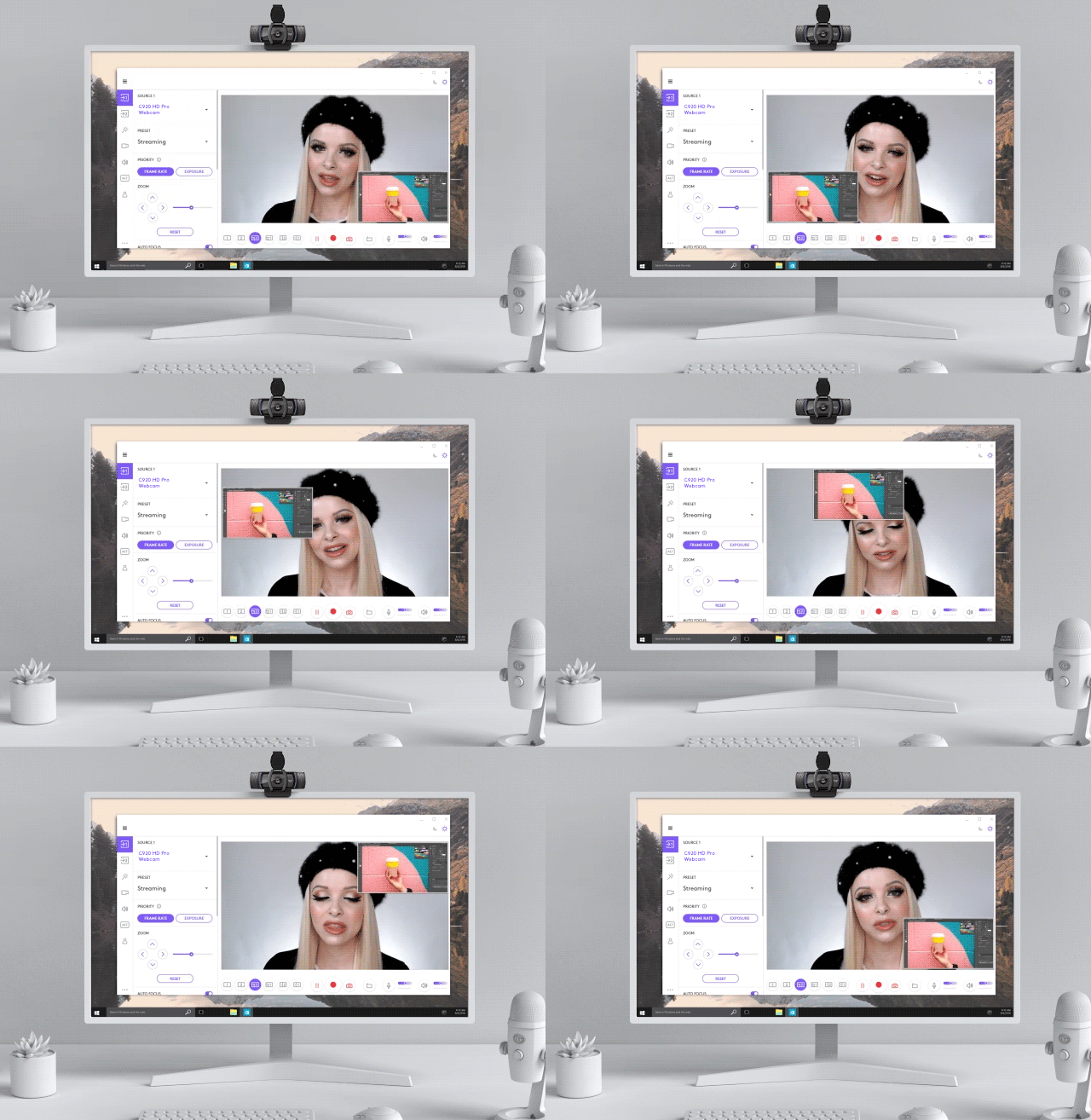
ALL-IN-ONE CONTENT CREATION
Connect, record, and share. Download the Logitech Capture software and start recording high-quality video content the second you connect your new webcam.
WINDOWS
macOS
 
PRO TIP:
SAVE YOUR CUSTOMIZATION
Use multiple computers? Save your customized settings across all of your devices by creating a Logi ID account.
HELPFUL RESOURCES
SETUP GUIDE: YOUR C920S HD WEBCAM
With detailed interactive instructions, you'll breeze through the setup and get the most out of your new webcam.
GET STARTED 
HAVE QUESTIONS?
WE'VE GOT ANSWERS
SET-UP GUIDE 
FAQs
CONTACT US
 
Facebook Instagram Twitter Pinterest YouTube
PRIVACY + SECURITY
UNSUBSCRIBE
CONTACT
TERMS OF USE