GET TO KNOW YOUR
POP MOUSE |
Now it's time to master your new gear.
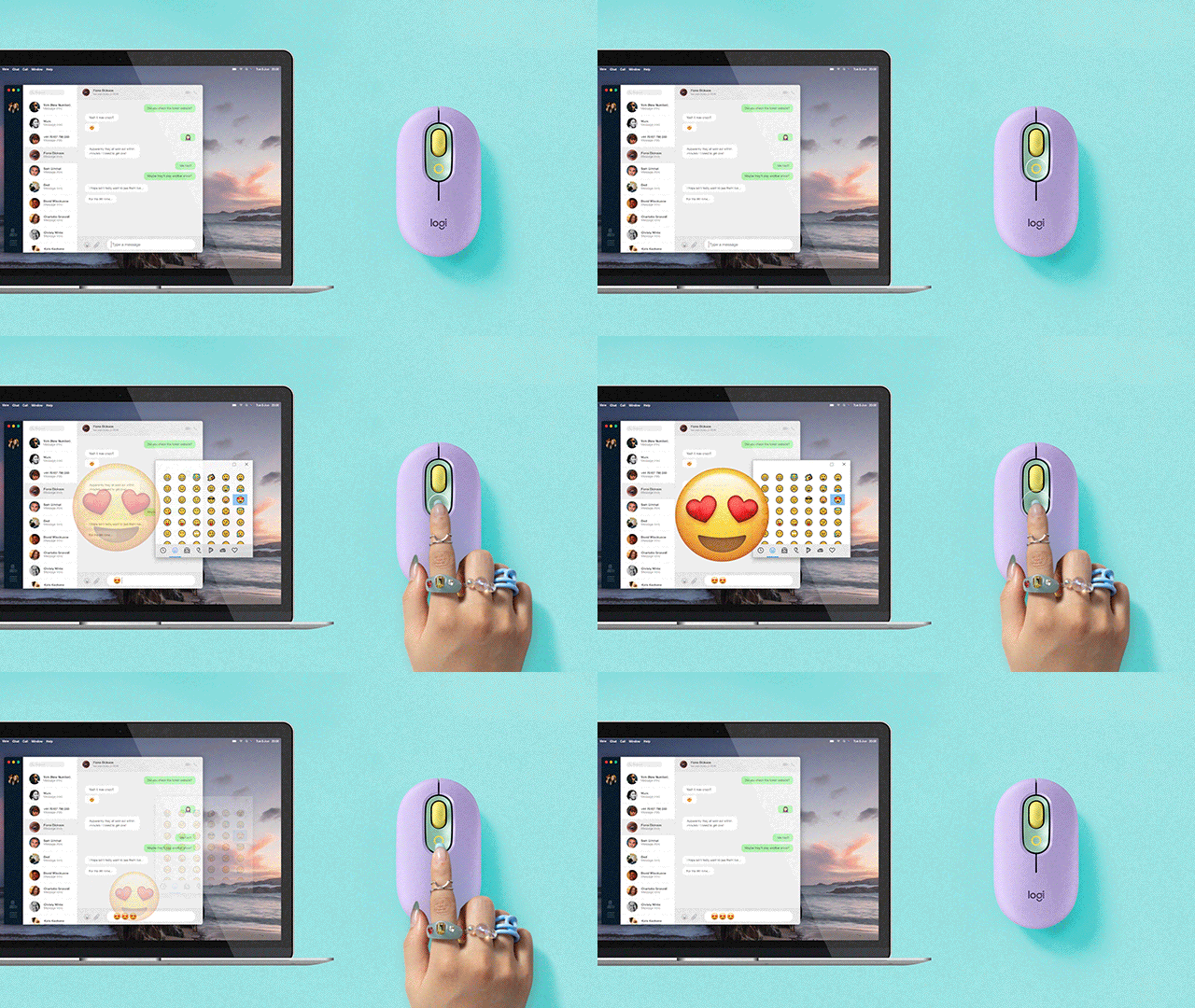
Use these tips and tricks to personalize your setup and unleash your personality. |
|
| TIP 1: DOWNLOAD LOGITECH SOFTWARE |
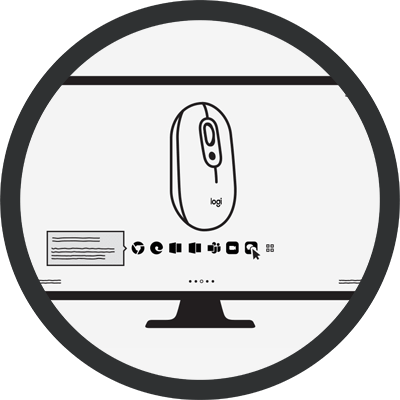
| After installing Logitech Software, explore our software and customize the top button of POP Mouse to any shortcut you like.
|
|
|
TIP 2: SHORTCUT ACROSS YOUR APPS
|
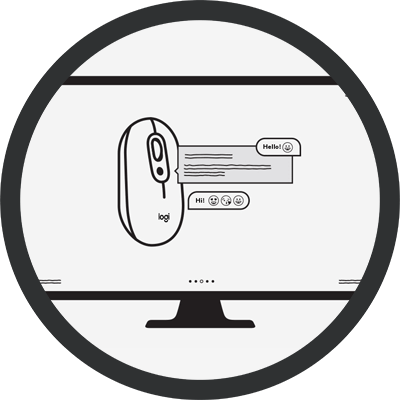
| You can even customize your POP Mouse to be app-specific! Just play around and make it your own. |
|
|
| TIP 3: MULTI-DEVICE SETUP |
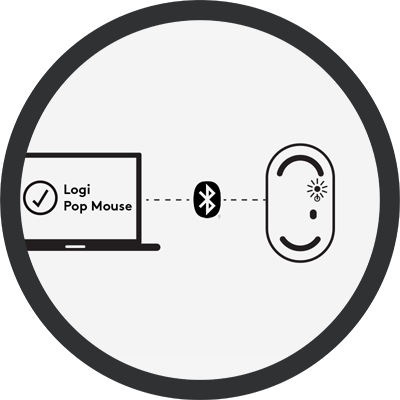
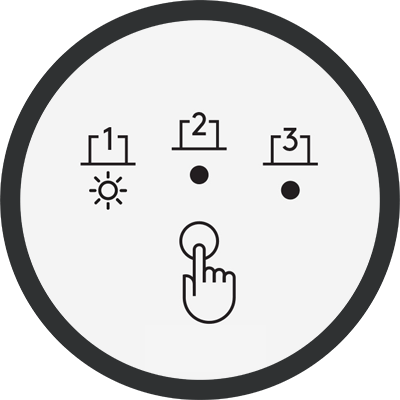
| Pair another device via Bluetooth by pressing the button underneath POP Mouse for 3 seconds. You’ll know you are in Pairing Mode when the LED starts blinking. |
|
|
|
|
| Install FLOW on up to 3 devices via Logitech Software. Once downloaded on each device, you can move your cursor between them. This allows you to transfer files, music and more from one device to another. |
|
|
|
|