WELCOME TO OPTIONS,
[first name]! |
| It's nice having options. Now it's time to work more efficiently with your Logitech mice and keyboards. Learn tips and tricks on how to customize and manage your supported devices. |
|
|
|
 |
| GEAR CUSTOMIZATION |
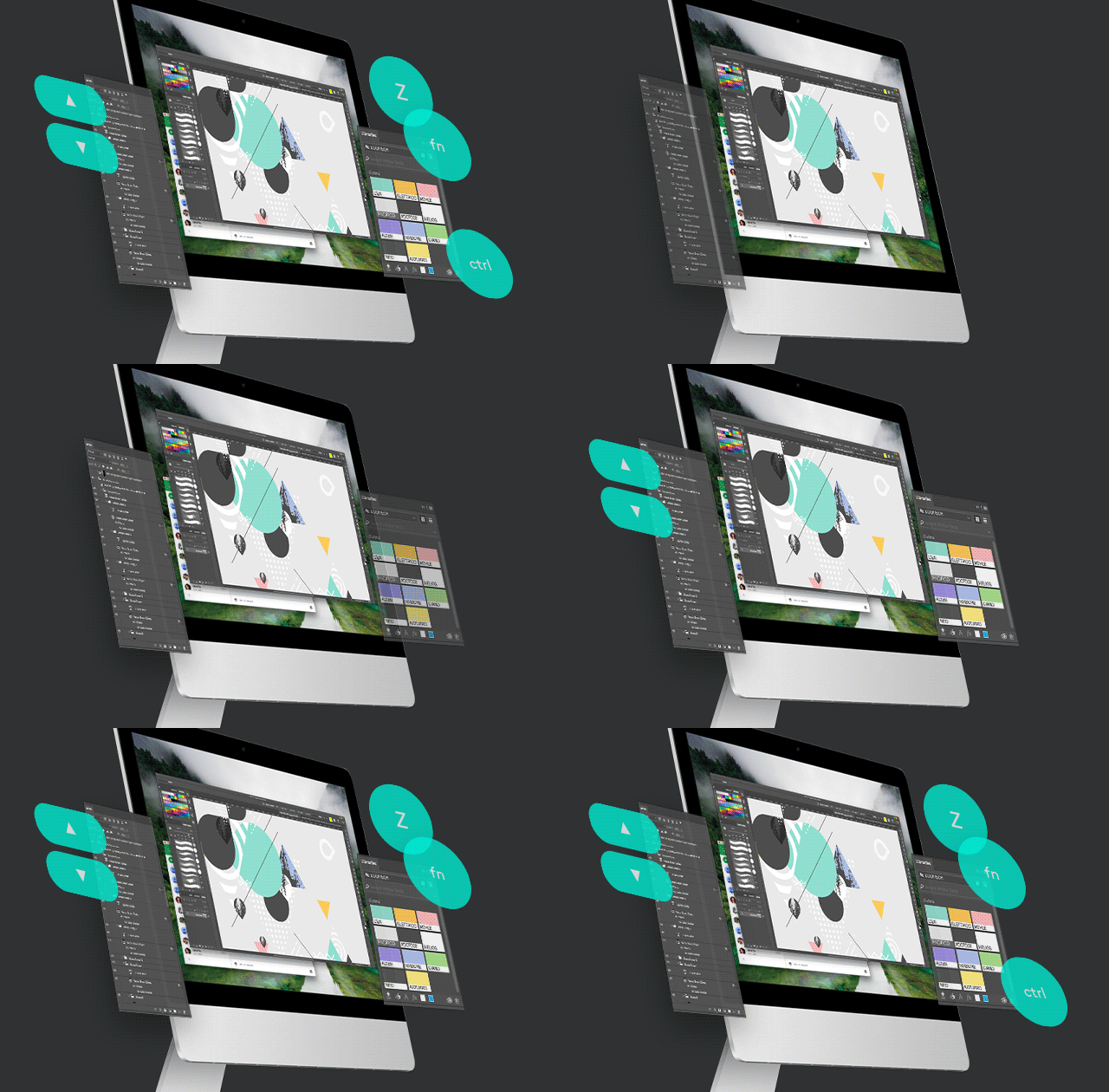
| Set button and key assignments, cursor and scroll wheel speed, and much more. |
 |
| WHAT'S YOUR STATUS? |
| Device-specific status and notifications so you know what's up with your devices. |
|
 |
| OPTIMIZED GESTURES |
| Become more productive by using the gesture button to reproduce trackpad gestures. |
 |
| LET IT FLOW |
| With logitech flow, automatically switch between computers to transfer text, images and files. |
|
|
| TEST THE NEW OPTIONS+ BETA |
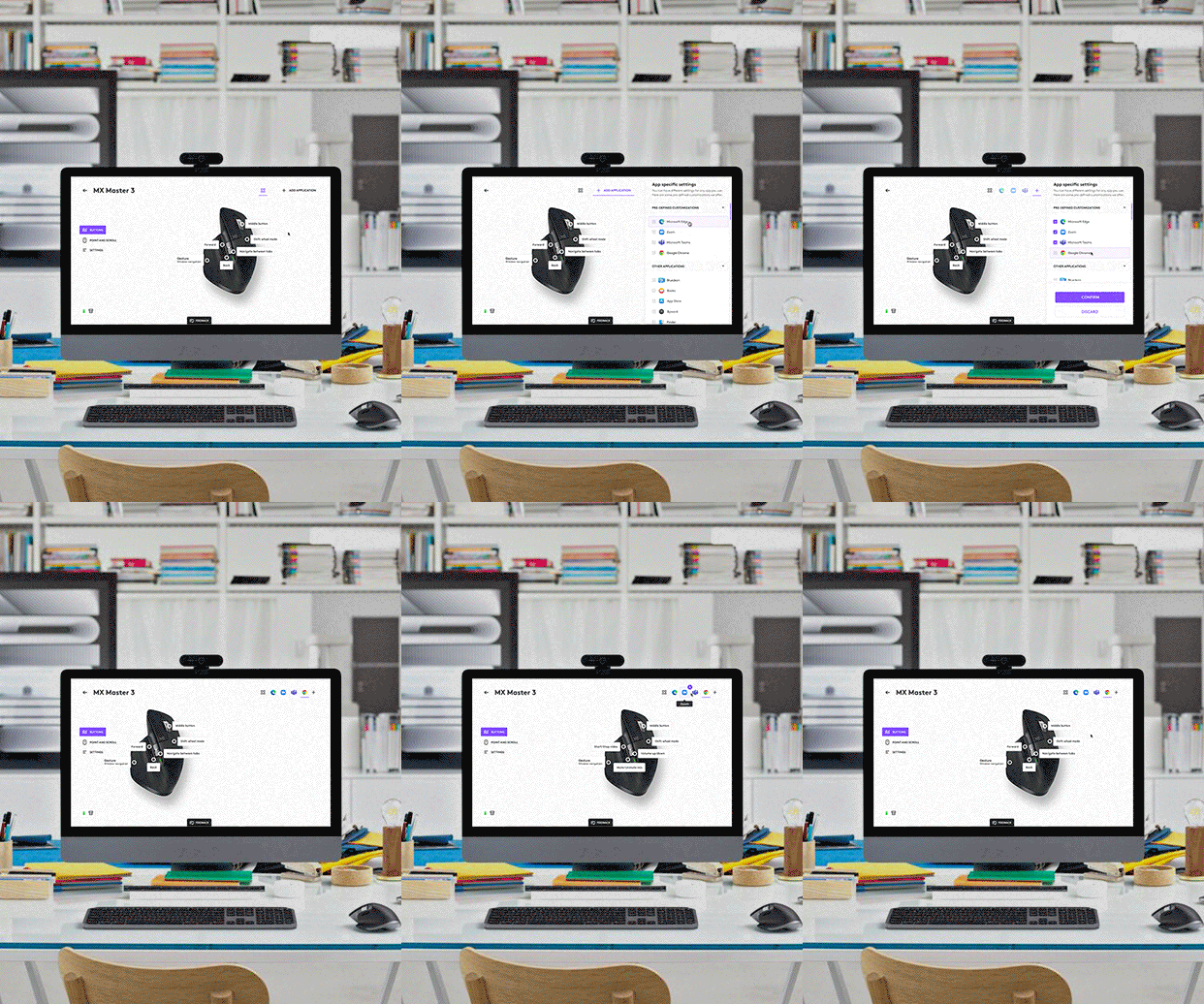
| Work easier and faster with your Logitech mice and keyboards with our next-gen app, Options+. Customize and manage your supported devices so you can create and communicate more efficiently. |
|
|
|
|
Get the Latest from LOGI
Sign up to receive exclusive deals, product tips & tricks, and more. |
|
|
|
|