Preheader goes here.
CUSTOMIZE YOUR
MX ANYWHERE 3
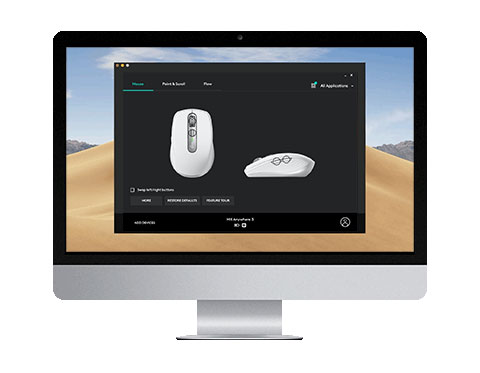
Download Logitech Options and register your MX Anywhere 3 to get started. Your devices show up as on-screen images, so they're easy to find, switch, and set up in seconds.
NEW FOR MX ANYWHERE 3
 
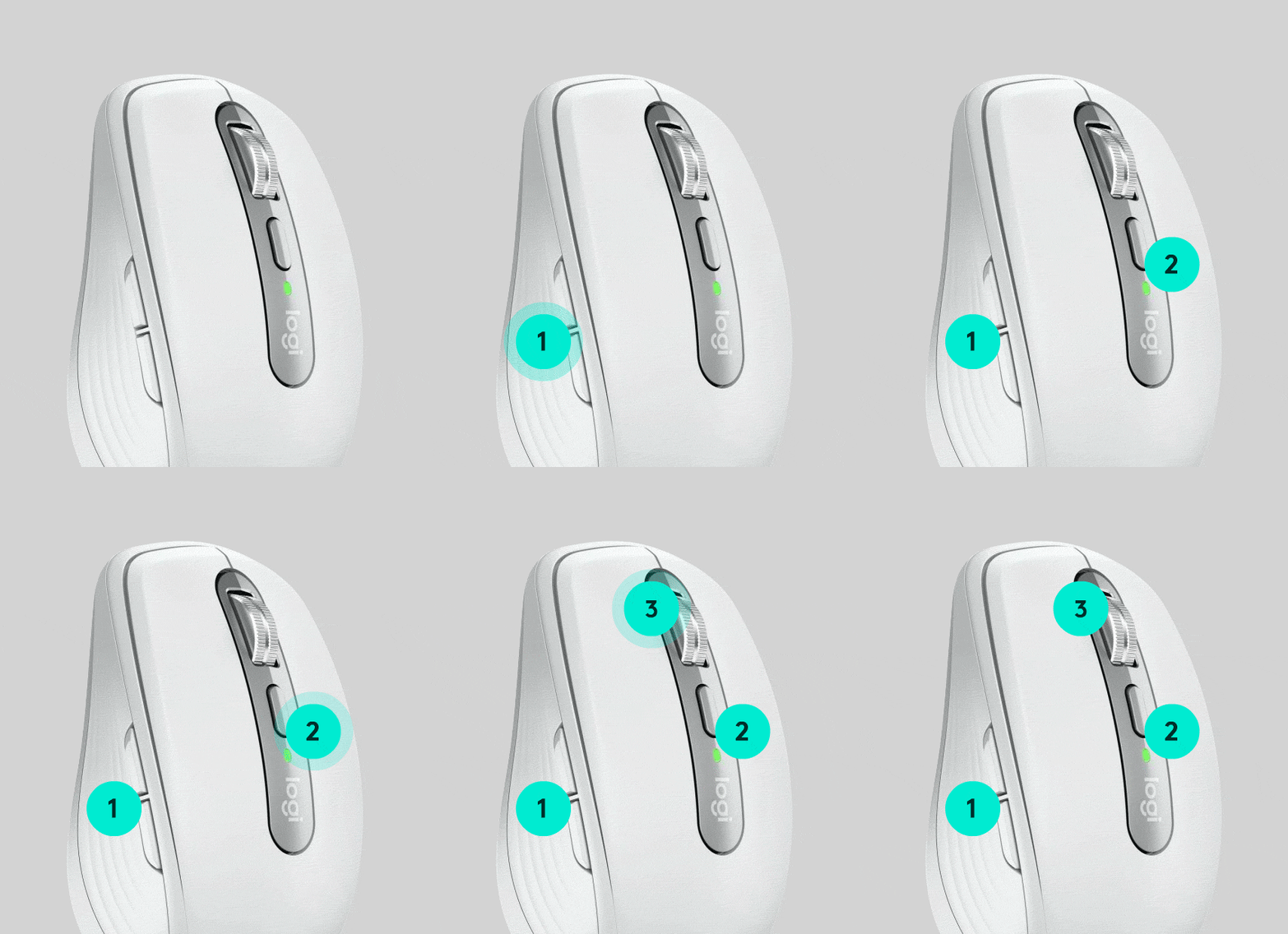
MUTE MEETINGS & TURN ON VIDEO WITH CUSTOMIZED BUTTONS 1
  1. Go to All Applications then Add application.
  2. Choose your meeting app, Zoom or Teams.
  3. Select Install Profiles, then click Install.
  4. Assign Mute and Start Video to the buttons that suit your workflow.
GET STARTED WITH OPTIONS
BECOME INSTANTLY PRODUCTIVE
GO BEYOND GLOBAL DEVICE SETTINGS
Fine-tune your device and workflow — assign buttons to app-specific tasks, adjust the scroll wheel & cursor speeds, plus customize your buttons and keys with ease.
EXPLORE MORE FEATURES 
 
BUTTON & KEY CUSTOMIZATION 
APPLICATION SPECIFIC SETTINGS
DEVICE STATUS AT A GLANCE
LOGITECH
FLOW
BACK UP DEVICE SETTINGS
 
HAVE QUESTIONS?
WE'VE GOT ANSWERS
SETUP GUIDE
FAQs
CONTACT US
 
Ultimate Ears
Facebook Instagram Twitter Pinterest YouTube
PRIVACY + SECURITY
UNSUBSCRIBE
CONTACT
TERMS OF USE