| GET TO KNOW YOUR MX ANYWHERE 3 |
| This email is full of tips and tricks to master your MX Anywhere 3 [for Mac] |
|
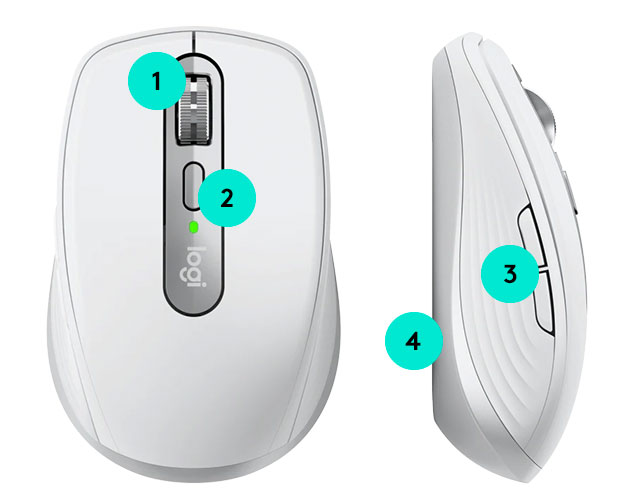
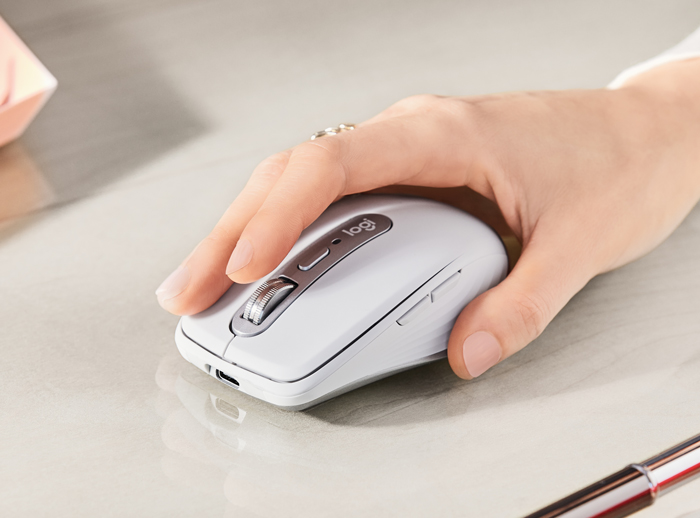
| 1. MAGSPEED™ scrolling |
| You will experience the remarkable speed, precision, and silence of MagSpeed scrolling. |
| 2. Mode button |
| Manually switch between Ratchet and Free-Spin modes. |
|
| 3. Back & Forward |
| Move forward and back with perfectly placed buttons. |
| 4. Multi-device, multi-OS |
| Connect up to three devices and switch between them at the tap of a button. |
|
|

|
PRO TIP:
As you scroll faster, the speed-adaptive scroll-wheel will automatically shift from line-by-line scrolling to free-spinning. |
|
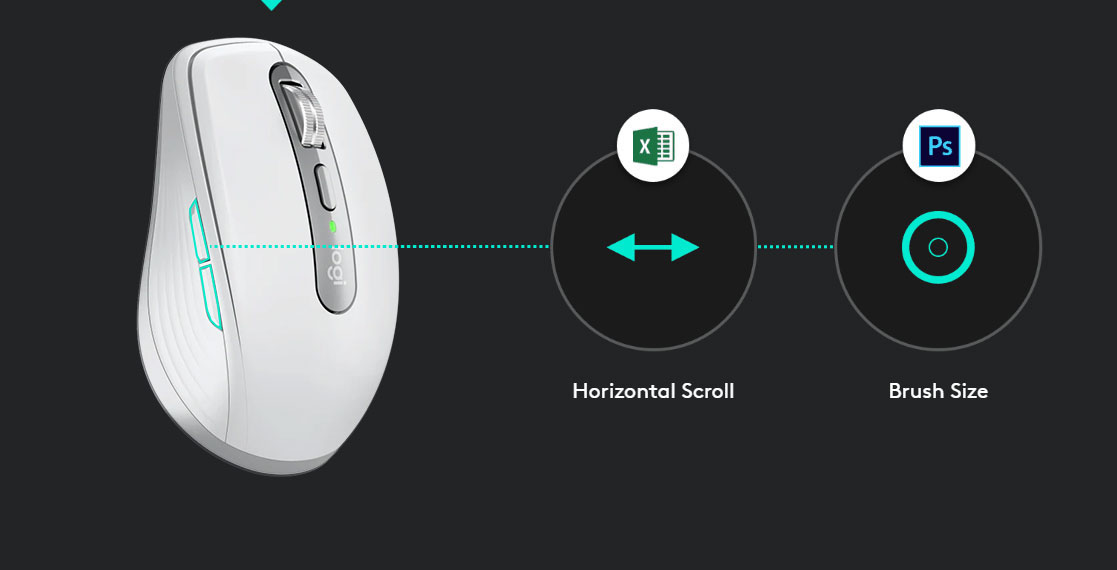
| App specific settings |
| Your MX Anywhere 3 can have different settings for any app you are using. |
|
| DOWNLOAD LOGITECH OPTIONS |
| Customize and register your device and with Logitech Options and do more than you thought possible. |
|
|
|
| SIMPLIFY YOUR WORKFLOW |
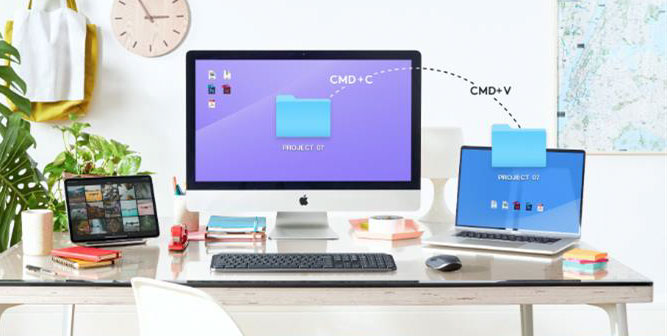
| Flow makes transferring text, images and files effortless – even between Mac & PC. It's as easy as copying on one and pasting on the other. |
|
|
|

|
PRO TIP:
Keep your charging cable somewhere you'll remember – you won't need it for a while with 70-day battery life. |
|
|
|




.png)