| |
 |
CONNECT AND
CREATE |
Set up your home workspace with tech essentials
that help you look and sound your best. |
|
|
|
|
|
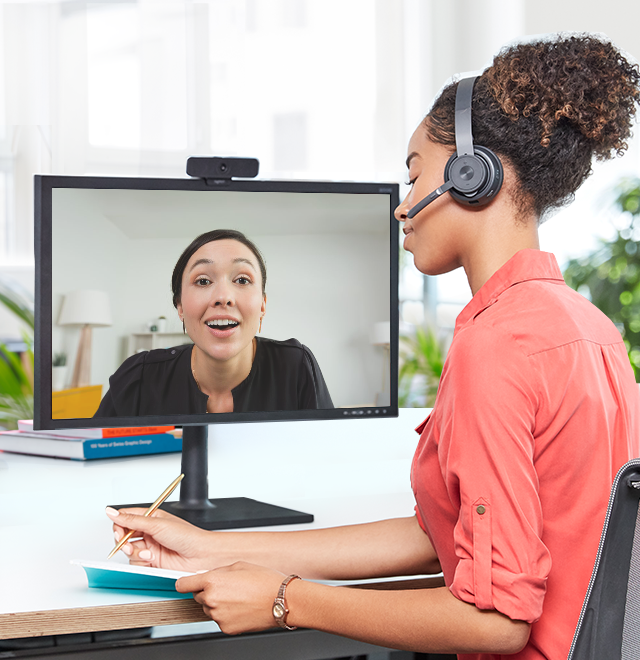
| LOOK YOUR BEST |
| Stay connected with pro-quality video for meetings and home conferencing. |
|
|
|
|
| TIP: ADJUST YOUR ANGLE |
| Take time to properly position your external webcam, add lighting, and find a flattering angle. |
|
|
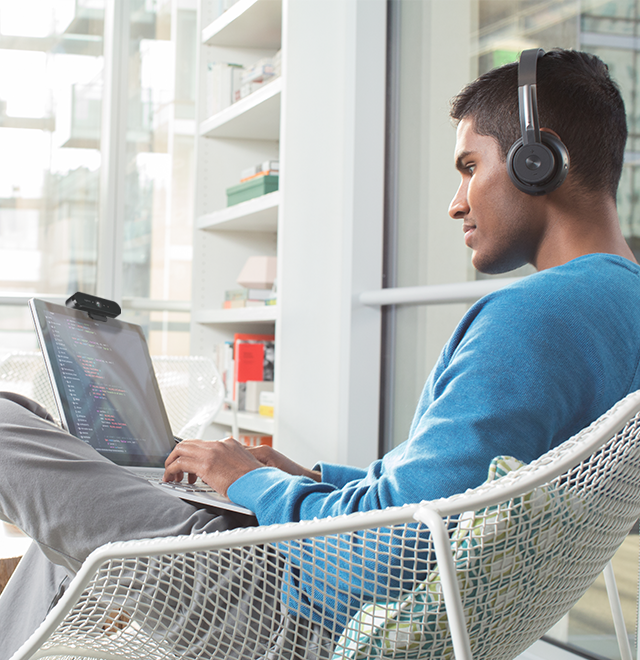
| STAY FOCUSED |
| Block out background noise and improve call clarity with a lightweight headset. |
|
|
|
|
| TIP: HIT MUTE |
| For good call etiquette, stay on mute when not speaking, and silence notifications during your call. |
|
|
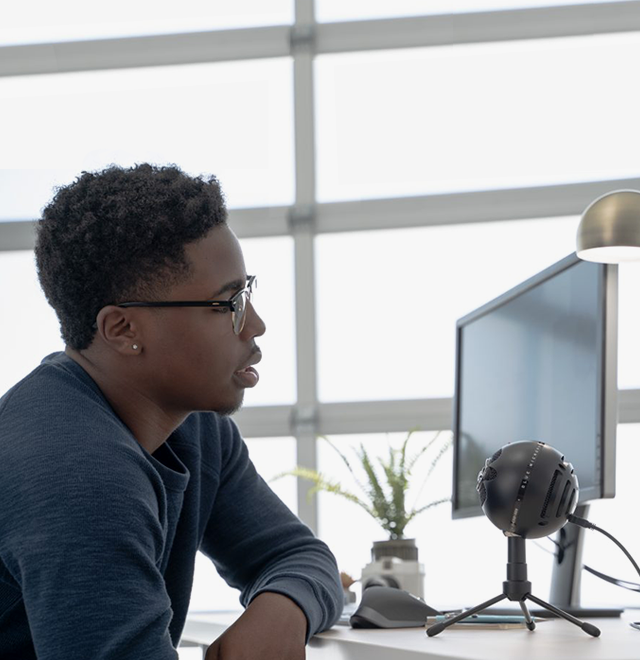
| SPEAK UP |
| Cut through the background noise and share your thoughts clearly with a high quality mic. |
|
|
|
|
| TIP: OPTIMIZE MIC PLACEMENT |
| For ideal voice quality, place your mic 6 to 12 inches away from your mouth and angled upwards. |
|
|
|
|